Best coding robot
Coding Robots for Kids
Five coding robots ranked on published step ceilings, screen requirements and whether the same hardware accepts harder code later.
Top pick
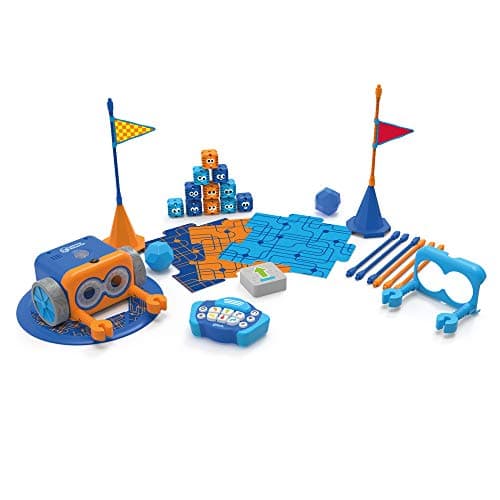
Botley 2.0 The Coding Robot Activity Set
Category
Two questions decide this whole category: does it need a screen, and does it need reading?
The short answer
A coding toy for a four-year-old must not require reading, and for most families it should not require a tablet. Those two constraints eliminate most of the shelf immediately. What survives programs through physical cards, tiles or buttons — and the published number that matters is how many steps a child can sequence before the toy runs out of memory.
Block & Beaker earns a commission when you buy through our links, at no cost to you. It never changes a ranking, and we say so plainly when the right answer is the cheaper set, or nothing at all. Full disclosure · How we pick.
Start here
In this section
Each one carries its top pick’s live price and a buy link, so you never have to click twice to find out what something costs.
Best coding robot
Five coding robots ranked on published step ceilings, screen requirements and whether the same hardware accepts harder code later.
Top pick
Botley 2.0 The Coding Robot Activity Set
Best screen-free coding toy
Coding toys that work with no tablet and no reading, ranked on what a pre-literate child can do unaided.
Top pick
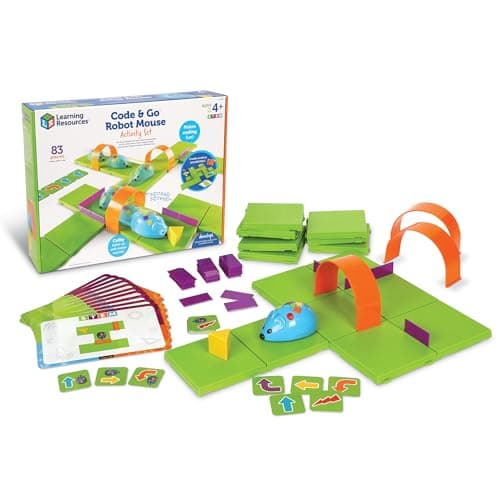
Code & Go Robot Mouse Activity Set
Best robot kit
Buildable and programmable robot kits, ranked on how far the same hardware scales from blocks to real code.
Top pick
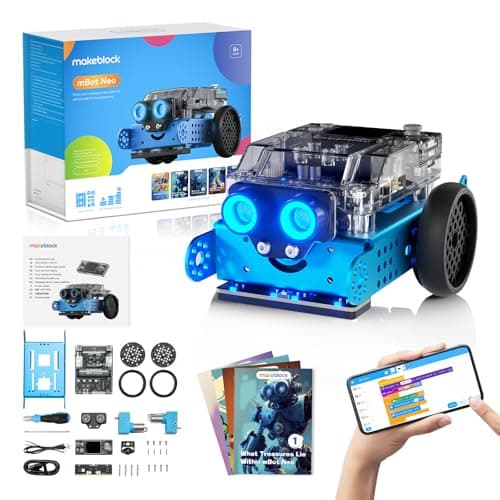
Makeblock mBot Neo (mBot2)
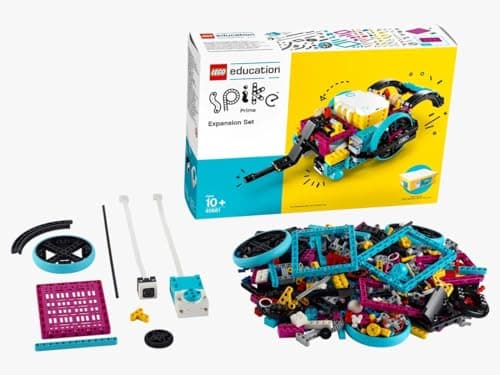
Best LEGO robotics set
LEGO Education SPIKE Essential against the non-LEGO alternatives, on published motors, sensors and coding paths.
Top pick
LEGO Education SPIKE Essential Set
Best robot kit for teens
Robot kits for 12 and up, judged on published programming environments rather than on piece counts.
Top pick
Makeblock mBot Neo (mBot2)

Guide
The ladder from picture cards to text code, with the published ceiling of every rung.
Best for two children
Coding toys that survive contact with more than one child, ranked on published player counts and setup.
Top pick
Code & Go Robot Mouse Activity Set
Head to head
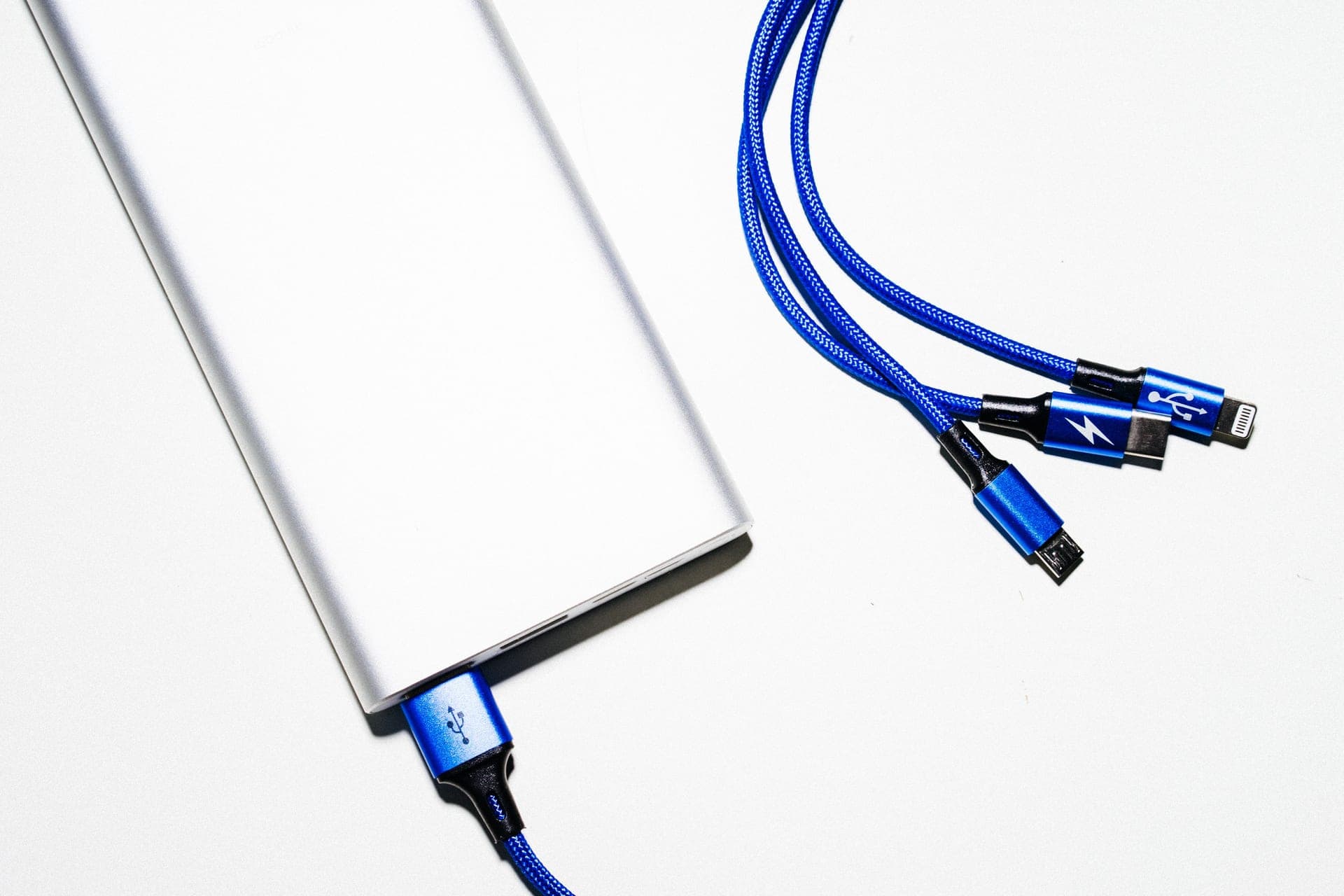
Published battery and charge figures across every coding robot here, and what each means in practice.

Guide
Reading, screens, longevity and siblings - the four published properties that decide a first coding purchase.
Botley vs Robot Mouse
Two screen-free coding robots from the same maker, compared on the numbers each publishes.
Top pick
Code & Go Robot Mouse Activity Set
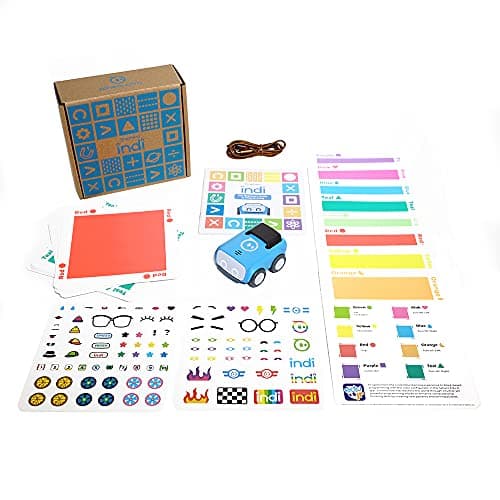
indi vs Botley
The two strongest screen-free coding robots, compared on the specifications that actually differ.
Top pick
Sphero indi At-Home Learning Kit
mBot vs SPIKE
The two most capable robots on the site, compared on the one question that divides them: code or construction.
Top pick
Makeblock mBot Neo (mBot2)
Osmo vs Botley
A screen-based coding kit and a screen-free robot, compared on the one requirement that divides them.
Top pick
Botley 2.0 The Coding Robot Activity Set
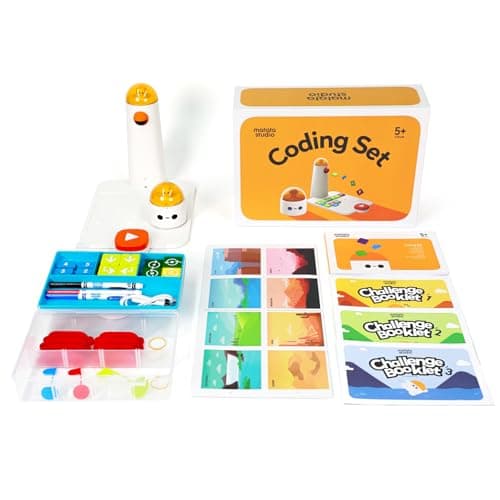
Matatalab vs Botley
Two screen-free coding robots compared on age, how the program is built, and power.
Top pick
MatataStudio (Matatalab) Coding Set
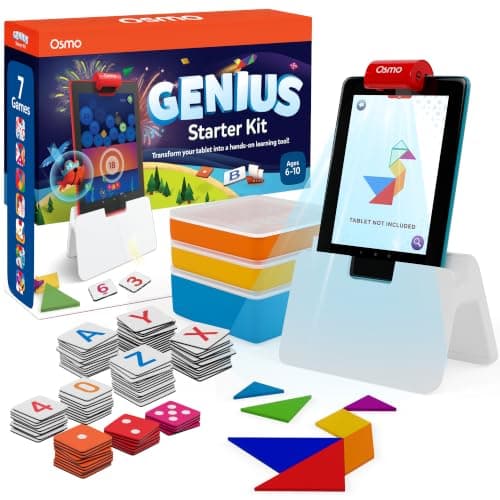
Osmo Coding vs Genius
The two Osmo starter kits compared on games, ages and pieces.
Top pick
Osmo Genius Starter Kit for iPad
Robot Mouse vs Coding Critters
Two 4+ screen-free coding toys from one maker, compared on what the child actually programs.
Top pick
Code & Go Robot Mouse Activity Set
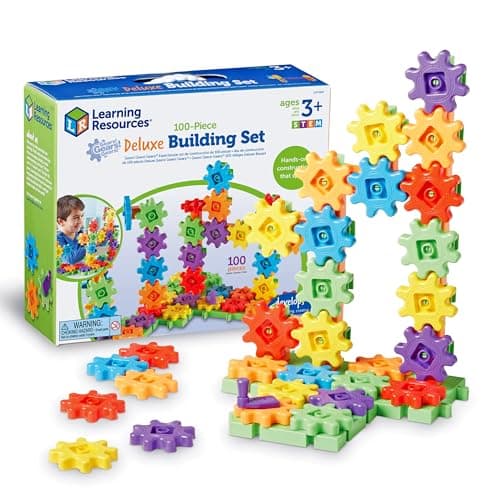
Best for toddlers
No coding toy here is rated under four, and the two skills to buy at two and three instead.
Top pick
Gears! Gears! Gears! 100-Piece Deluxe Building Set
Best at four and five
The coding toys published for four and five, sorted by whether a pre-reader can use them alone.
Top pick
Code & Go Robot Mouse Activity Set
Best for tweens
What to buy at 10, 11 and 12, when picture cards are over and a laptop is not the answer yet.
Top pick
Makeblock mBot Neo (mBot2)
Best for classrooms
The published specs that decide a class set: power, device dependency and program ceilings.
Top pick
MatataStudio (Matatalab) Coding Set
Coding toys for teens
The kits a teenager can still be using in three years, sorted by the languages their makers publish.
Top pick
Makeblock mBot Neo (mBot2)
Coding toys for 6 and 7 year olds
What to buy at six and seven, when every coding toy is already age-appropriate and the ceiling is the only thing left to compare.
Top pick
Botley 2.0 The Coding Robot Activity Set
Coding toys for 8 and 9 year olds
The year block coding becomes real coding, compared on published languages, controllers and whether a computer is required.
Top pick
Makeblock mBot Neo (mBot2)
Best coding robot ball
The three rolling robots on this site, compared on published programming canvases, battery and what each one can display.
Top pick
Sphero Mini
Sphero Mini vs BOLT
The same three programming canvases at two very different prices, and the four published specs that explain the gap.
Top pick
Sphero Mini
Sphero Mini vs indi
indi at 4+ with color cards and no screen, against Mini at 8+ with three programming canvases.
Top pick
Sphero indi At-Home Learning Kit
Sphero BOLT vs mBot Neo
Two 8+ robots at a similar price, compared on what you assemble, what reports back, and which battery lasts.
Top pick
Makeblock mBot Neo (mBot2)
Best programmable toy
The published difference between a programmable toy, a pre-programmed one and a remote-controlled one — and the five that pass.
Top pick
Makeblock mBot Neo (mBot2)
“Screen-free” in this category means something precise and checkable: the programming happens on physical objects, and the toy works with no tablet, no phone, no app and no account. Learning Resources states Botley 2.0 is “100% screen-free play” with no tablet or app required. MatataStudio states its Coding Set is screen-free, app-free and internet-free. Those are product specifications, not slogans, and they are the difference between a toy that gets used on a wet Tuesday and one that needs a device negotiation first.
The screen-dependent option is not automatically worse. Osmo’s Coding Starter Kit uses physical magnetic blocks read by an iPad’s camera, which is a genuinely clever hybrid and gives more feedback than a card-based robot can. But it publishes an iPad as a requirement, and that requirement means the toy competes with every other thing on that iPad. In a house where screen time is already negotiated, that is usually the deciding fact.
Ask how long a program can be. It is published, it is comparable across brands, and it maps almost directly onto how long the toy stays interesting.
Botley 2.0 publishes sequences of up to 150 steps. That is a ceiling a five-year-old will not reach for years, which is exactly what you want. A toy that stores eight steps is a toy the child has exhausted by the second week, however charming it is. When a manufacturer does not publish a step ceiling — as with storybook-led toys such as Coding Critters — that absence is itself informative: the format is a narrative sequence rather than a programmable one, and the coding ceiling is correspondingly low.
The second longevity number is whether the same hardware accepts a harder programming environment later. Sphero’s indi is coded with color cards with no screen, and the same robot accepts drag-and-drop block coding in a free app when the child is ready. Makeblock’s mBot2 goes further: Scratch-style blocks, then Python, then Arduino C on one chassis. Buying a robot with a published upgrade path is the single most effective way to avoid buying a second robot in eighteen months.
Honestly: partly. What a picture-card robot teaches well is sequencing, debugging and the idea that a machine does exactly what you told it rather than what you meant. Those are the genuinely transferable parts, and a four-year-old can get all three from a twenty-dollar mouse on a grid.
What it does not teach is syntax, abstraction or data — and no toy in this category claims otherwise if you read the manufacturer’s own copy rather than the retailer’s. That is fine. The realistic claim is that a child who has debugged a five-step route to a plastic cheese wedge is not going to be frightened by a for-loop later, and that is worth having.
Where we would push back is on cost. The gap between what a twenty-dollar card robot teaches and what a two-hundred-dollar one teaches, at the same age, is much smaller than the price gap. The expensive robots earn their money later, at nine or ten, when a child wants to write real code and the cheap one has nowhere to go.
Check the published power requirement before you buy. Botley 2.0 requires five AAA batteries, not included. The Code & Go Robot Mouse requires three AAA, not included. That is eight AAA cells before anything happens on Christmas morning, and it is the most common reason a coding toy has a bad first day.
Rechargeable robots avoid this entirely — MatataStudio publishes built-in cells with USB-C charging, Sphero’s indi publishes 2+ hours of play per charge, and Makeblock publishes a 2500 mAh pack good for roughly five hours. Over a couple of years the rechargeable option is usually cheaper as well as less annoying, which is worth weighing against a lower sticker price.
For age-specific picks drawn from this category, see the five-year-old and seven-year-old pages. For the argument about screens specifically, coding toys versus coding apps takes it properly.
Questions people actually ask
Four, if the toy needs no reading. Learning Resources rates the Code & Go Robot Mouse at 4+ and its coding cards use directional symbols rather than words, which is the specification that makes it work at that age. Screen-free picks.
Some do and some explicitly do not. Botley 2.0 is published as 100% screen-free with no tablet or app required; Osmo's Coding Starter Kit publishes an iPad as a requirement. Check the manufacturer's own statement, because retailer listings are inconsistent on this.
More than the child can plan. Botley 2.0 publishes a 150-step maximum, which no five-year-old will exhaust. A robot that stores under about twenty steps will feel finished within weeks.
Usually not at five. At that age a card-driven robot teaches the same sequencing and debugging as one costing ten times more. Expensive robots earn their money at nine or ten, when a child wants to write real code and a simple robot has nowhere left to go. Robot kits that scale.
Sources
Every specification on this page traces to one of these. If a manufacturer publishes nothing on a point, the page says so rather than filling the gap.
Not sure where to start? Try shopping by age instead, or read how we pick.